This iPad 10th generation worked at low brightness, but turning it up near maximum made the backlight cut out. The customer had to reset the iPad to get the display working again. We found the cause on the board and repaired it here at iPhoneBits in Glengormley.
They had been keeping the brightness turned right down so they could carry on using it. That workaround got them by for a while, but understandably, they had had enough of using a dim screen.
REAL REPAIR AT iPHONEBITS
Device: iPad 10th generation
Fault: backlight cut out near maximum brightness
Diagnosis: faulty filter near the LCD connector
Repair: filter replaced in-house
Result: working at full brightness again
When increasing the brightness makes the screen go dark
A brightness control should make the screen easier to see. On this iPad, pushing it towards the top did the opposite: the backlight stopped working, and the customer needed a reset to bring the display back.
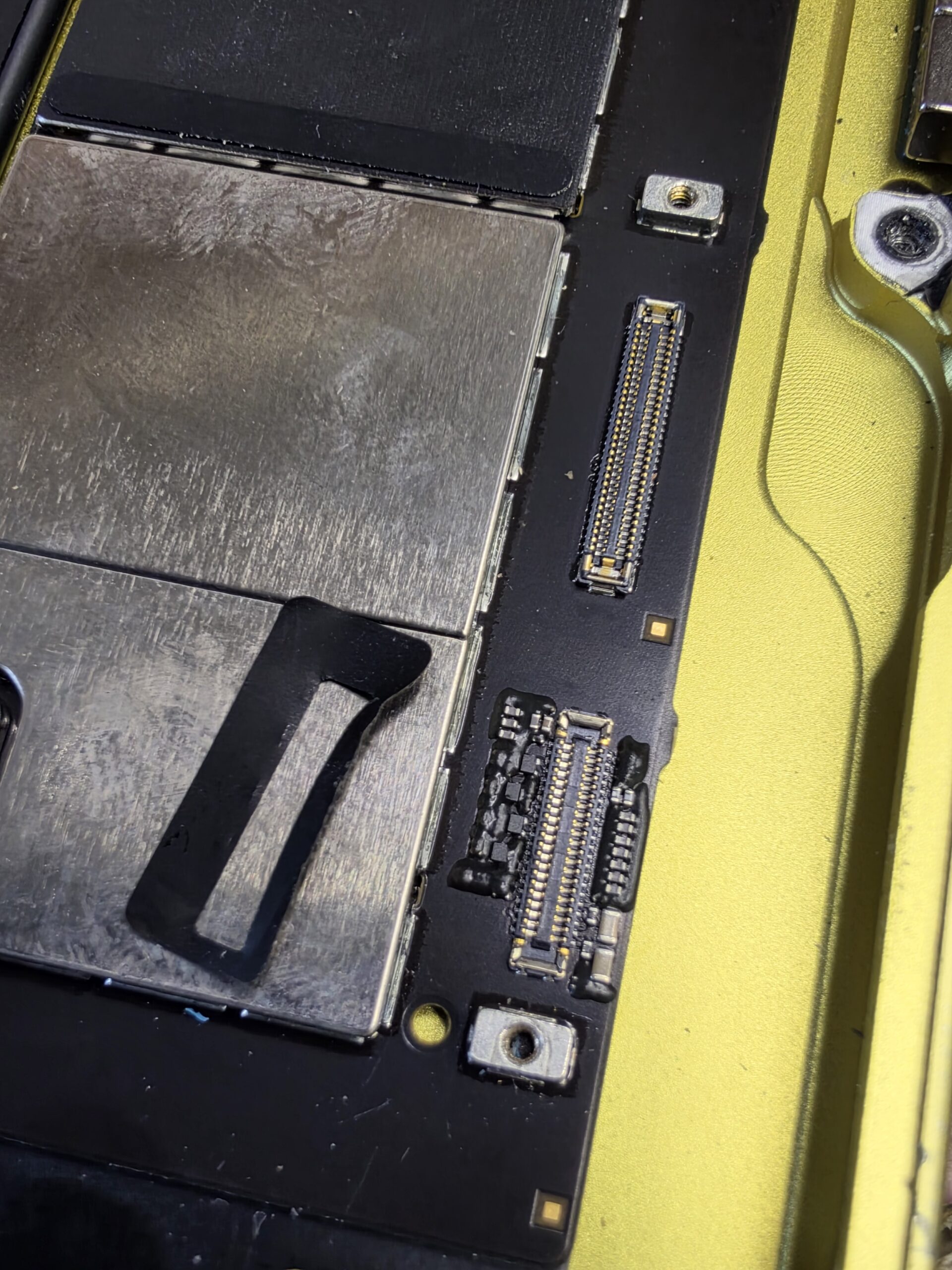
The backlight is the light behind the LCD that makes the picture visible. Keeping it dim avoided the symptom, but it did not fix the underlying fault. Our inspection and board-level testing identified a faulty filter near the LCD connector.
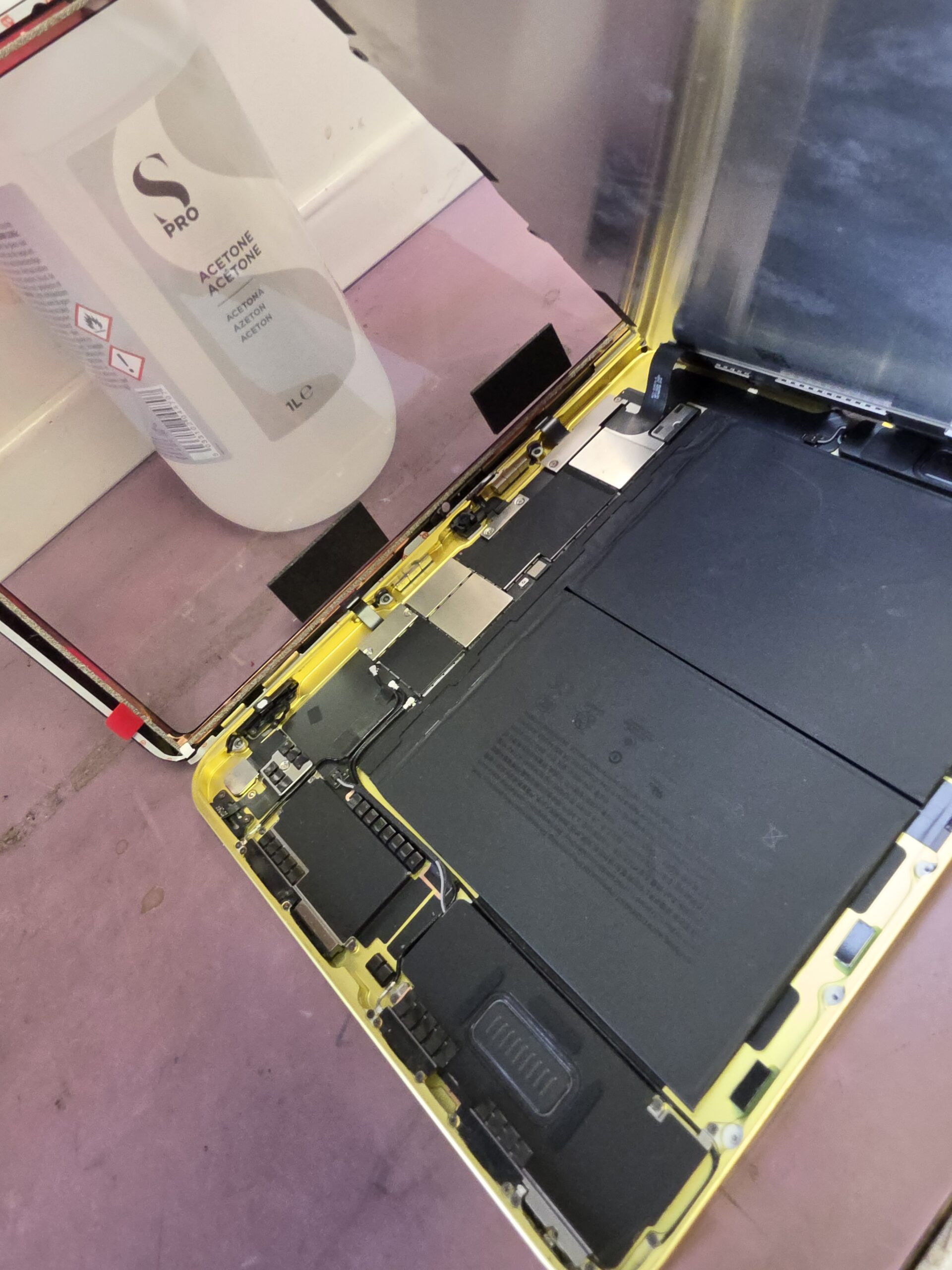
A small filter causing a frustrating fault
On this particular iPad, the filter could work at low brightness. At higher brightness, the increased electrical load caused it to fail in operation, interrupting the backlight supply. That explains why the screen could work when dimmed, then go dark when the brightness was turned up.
Resetting the iPad could bring the display back, but it did not resolve the filter’s inability to cope with the higher load. The faulty component still needed to be replaced.
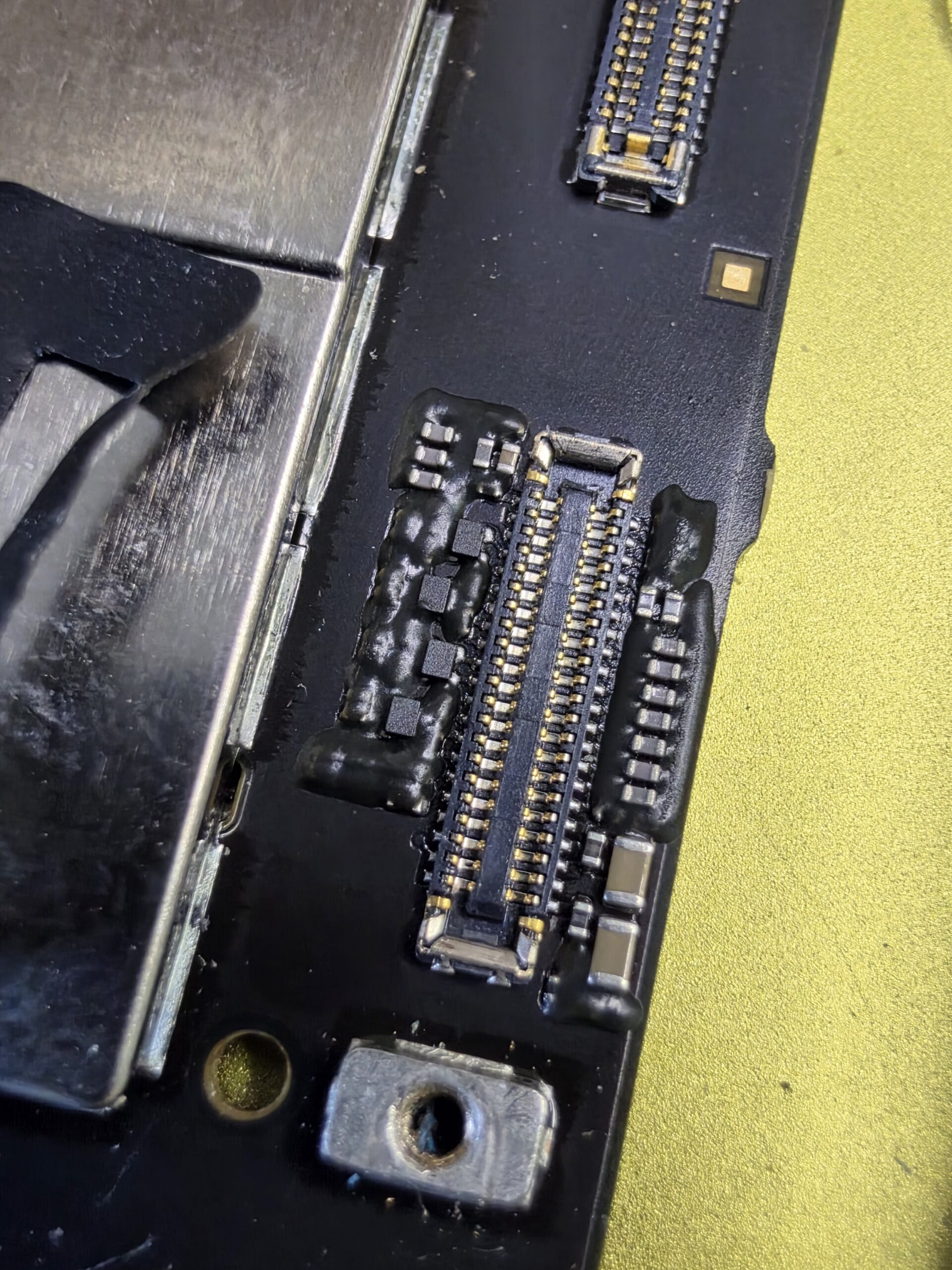
Repaired in-house, with full brightness restored
We replaced the faulty filter in-house. The iPad now works at full brightness again, so the customer no longer needs to keep the screen turned right down to use it.
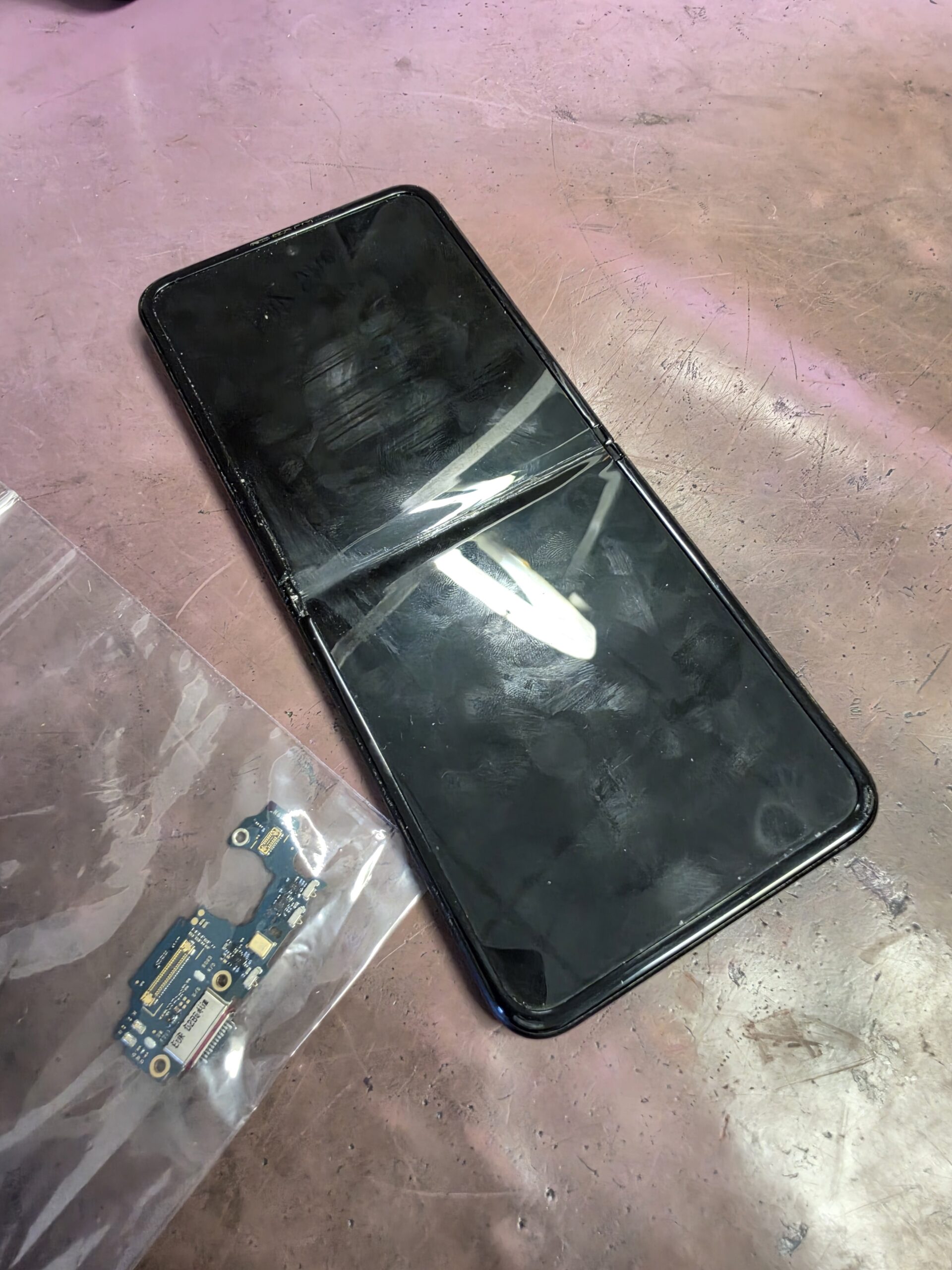
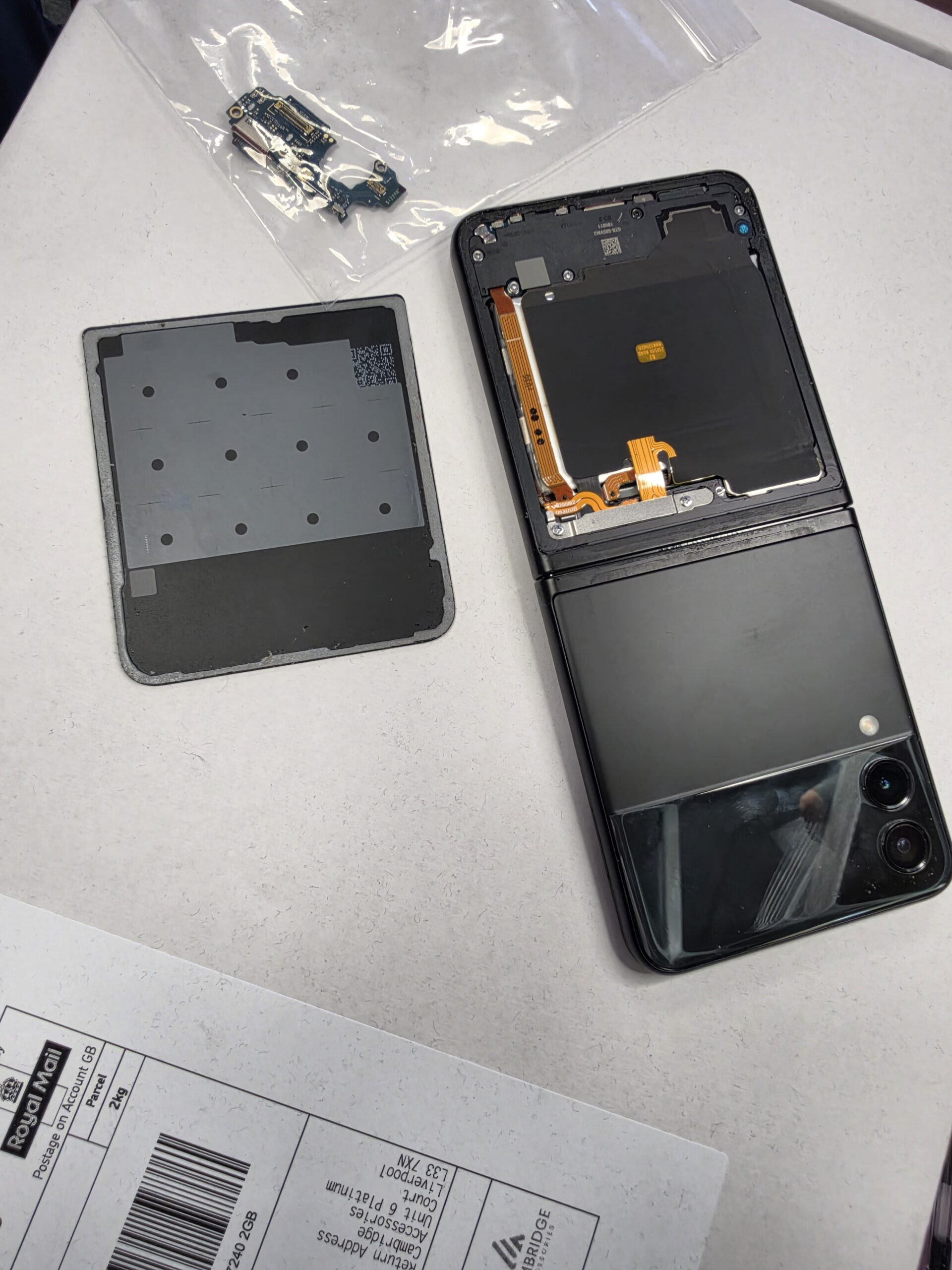
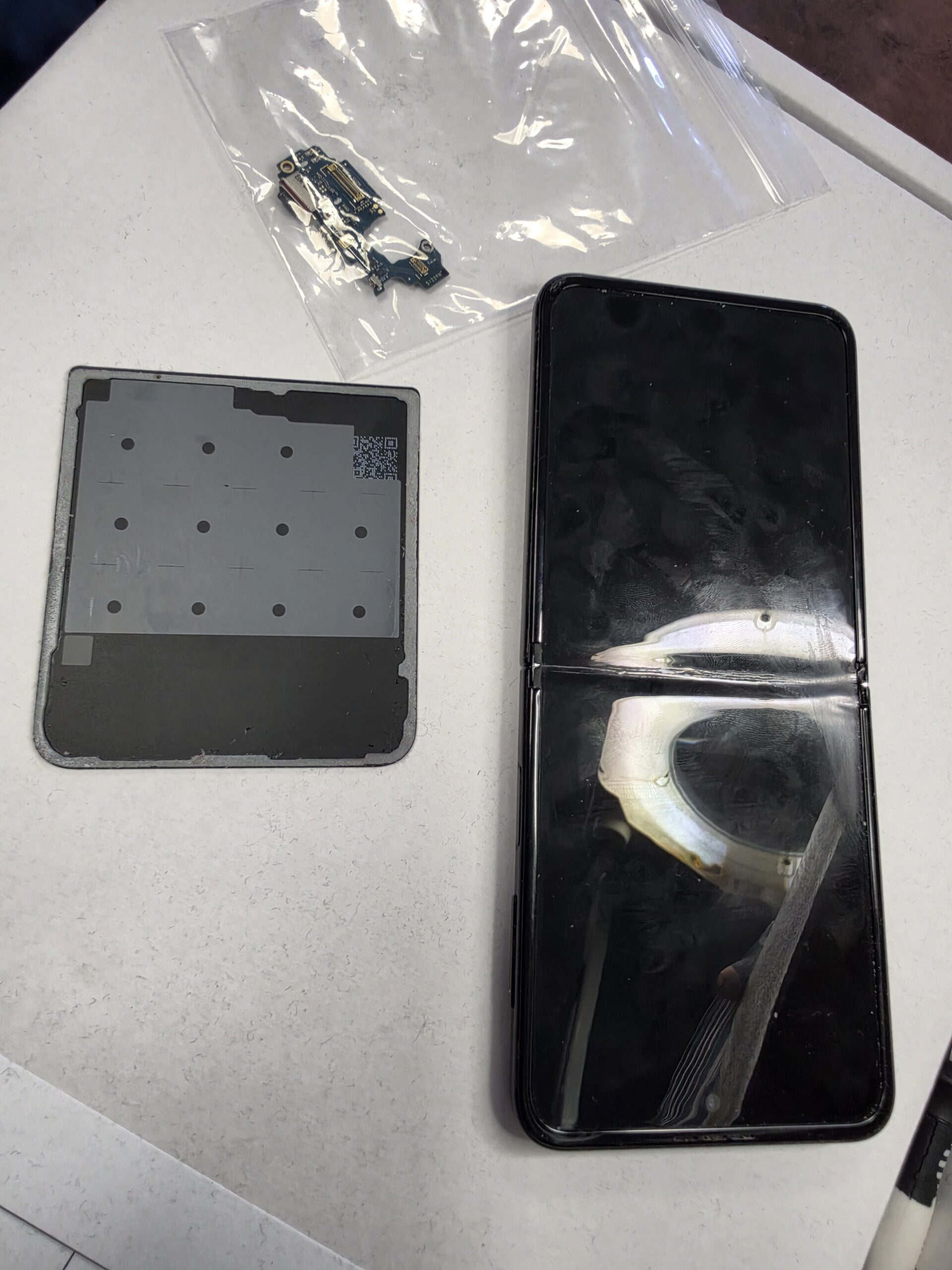
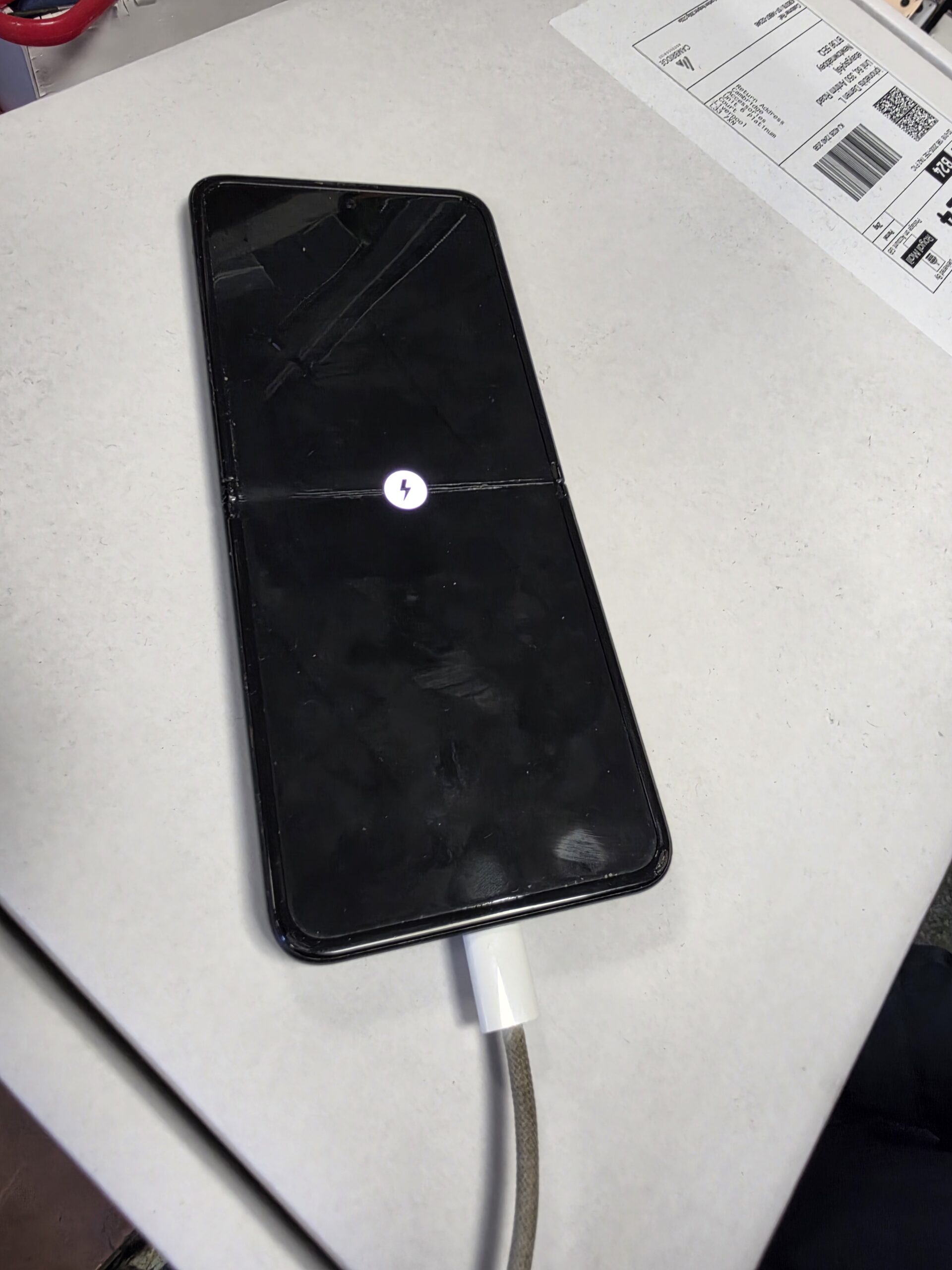
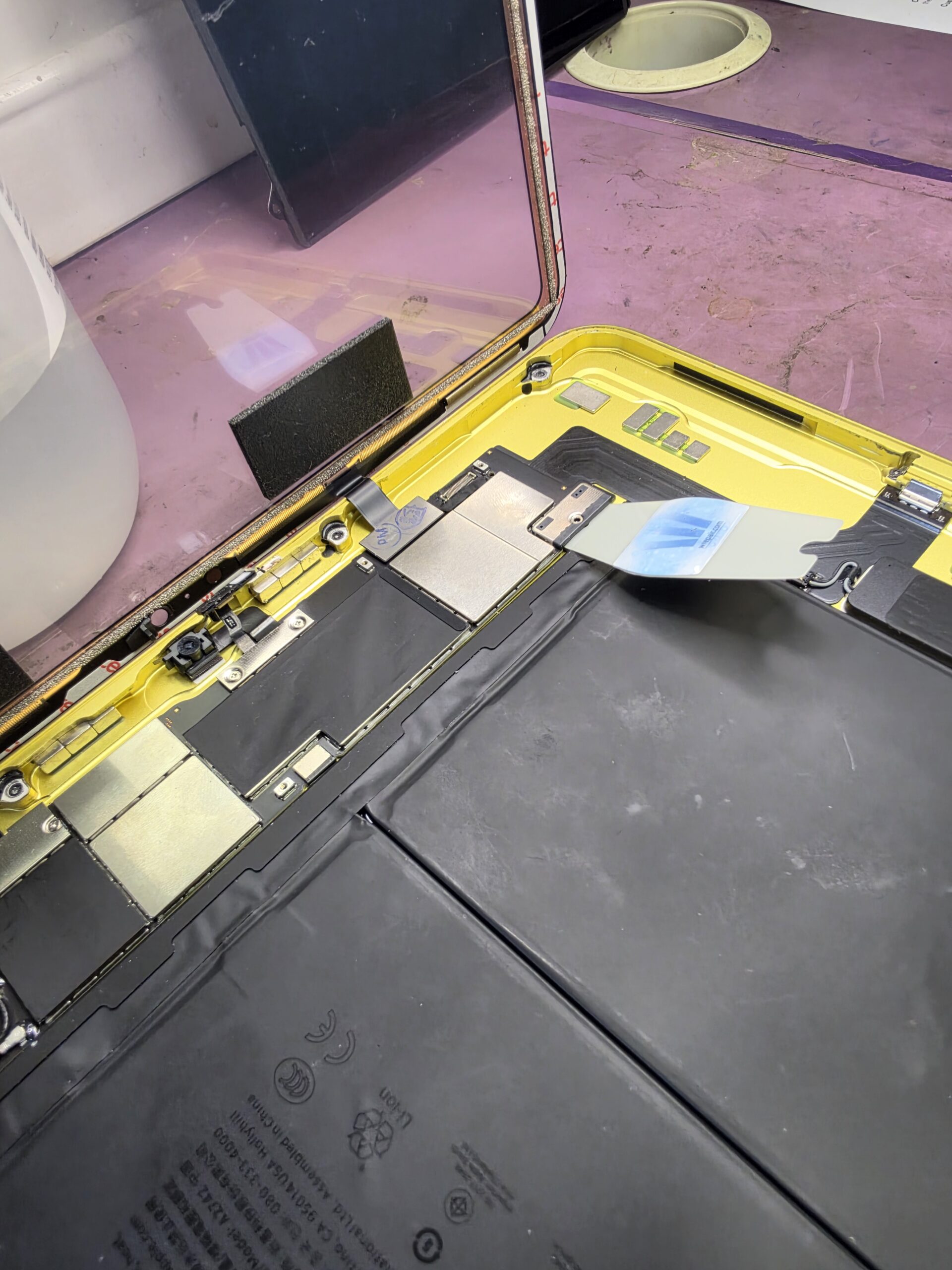
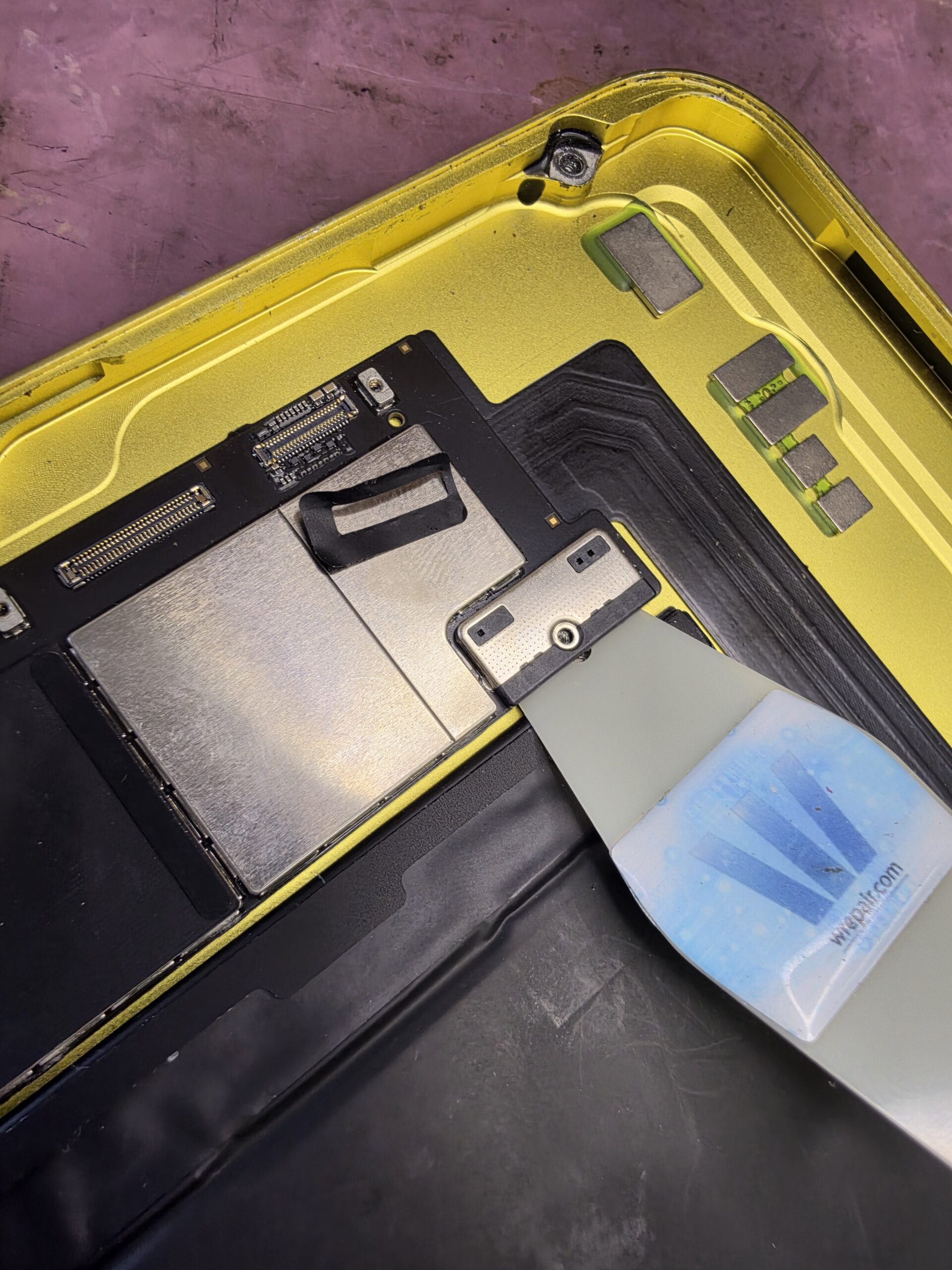
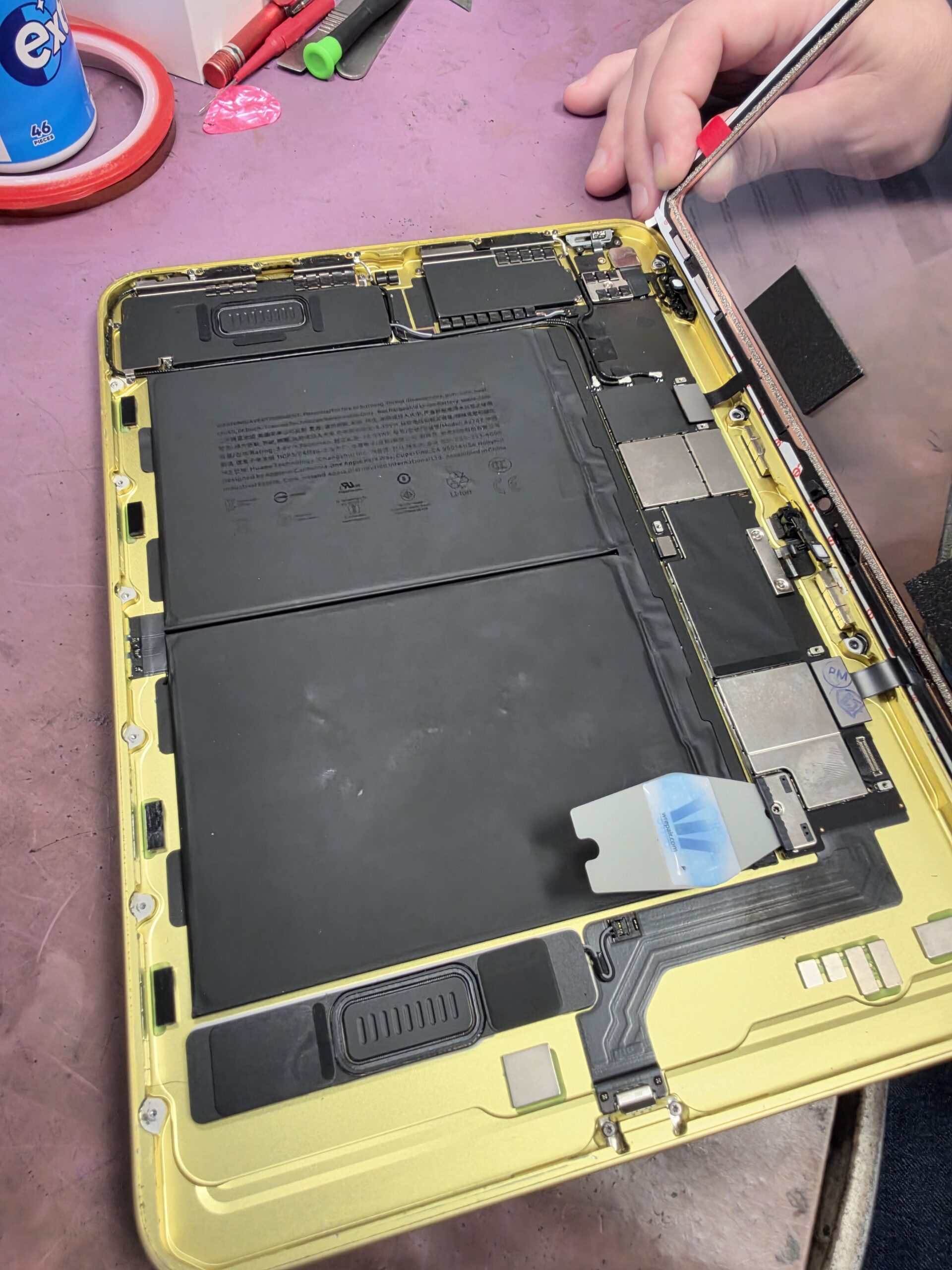
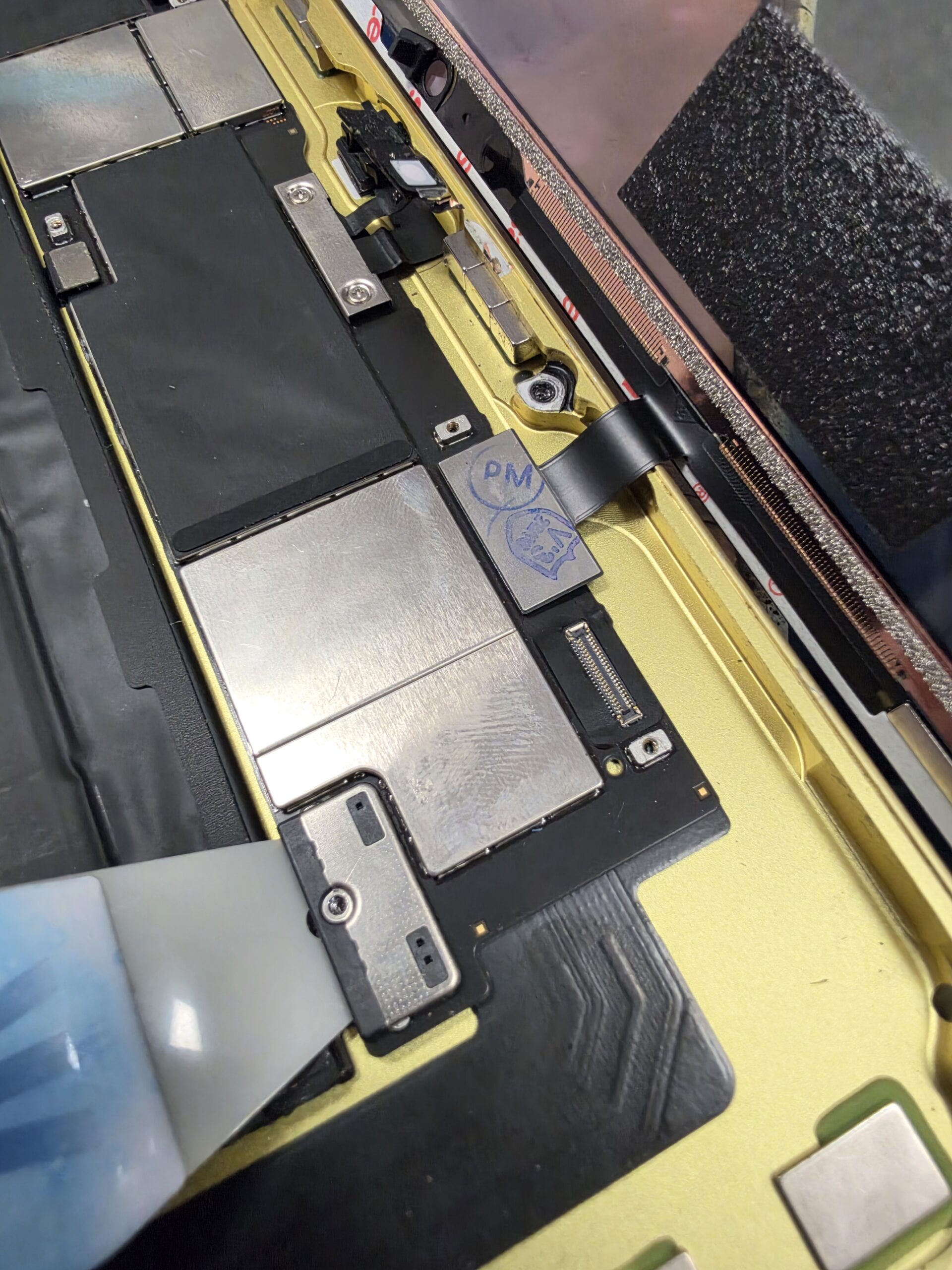
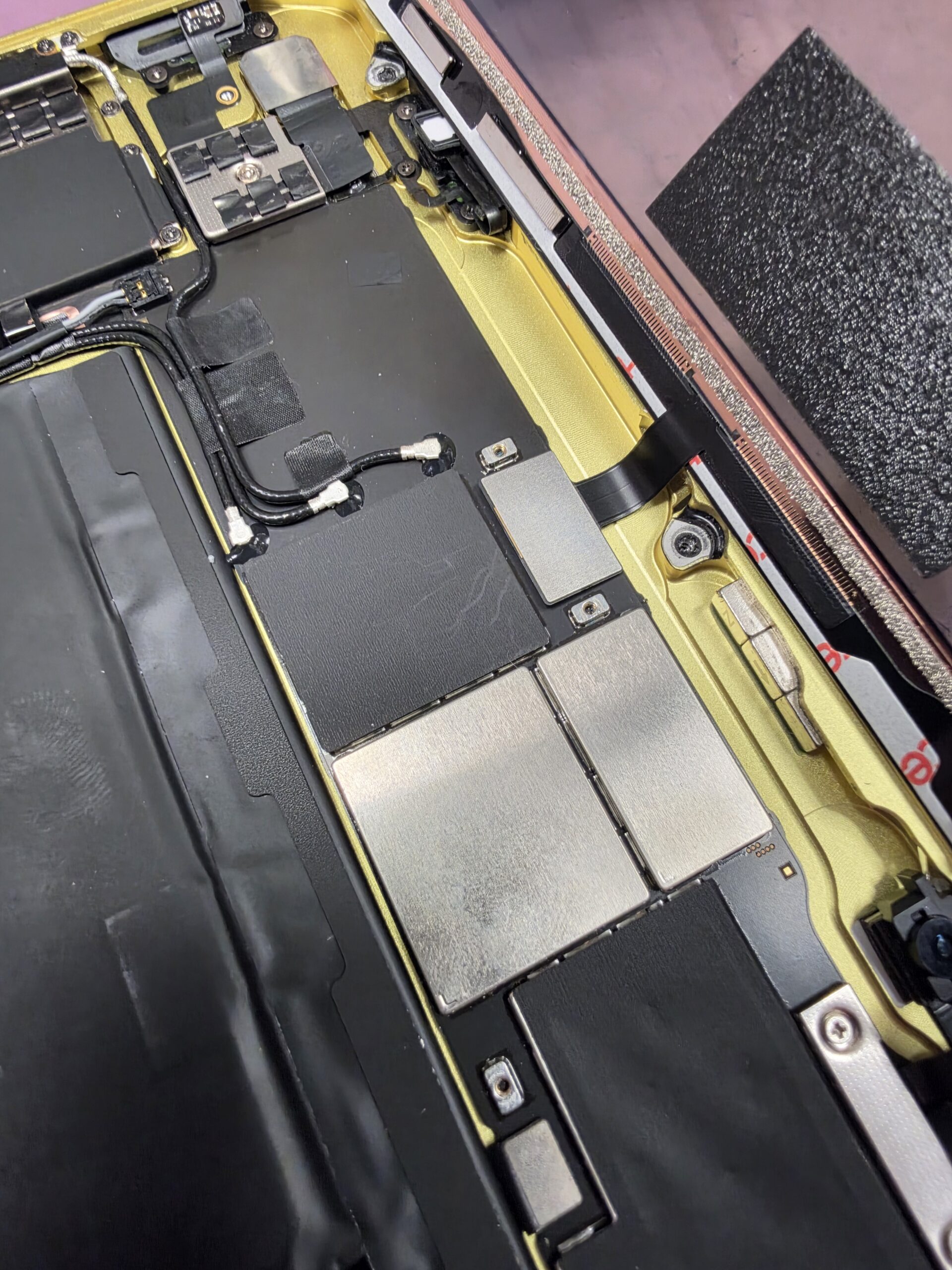
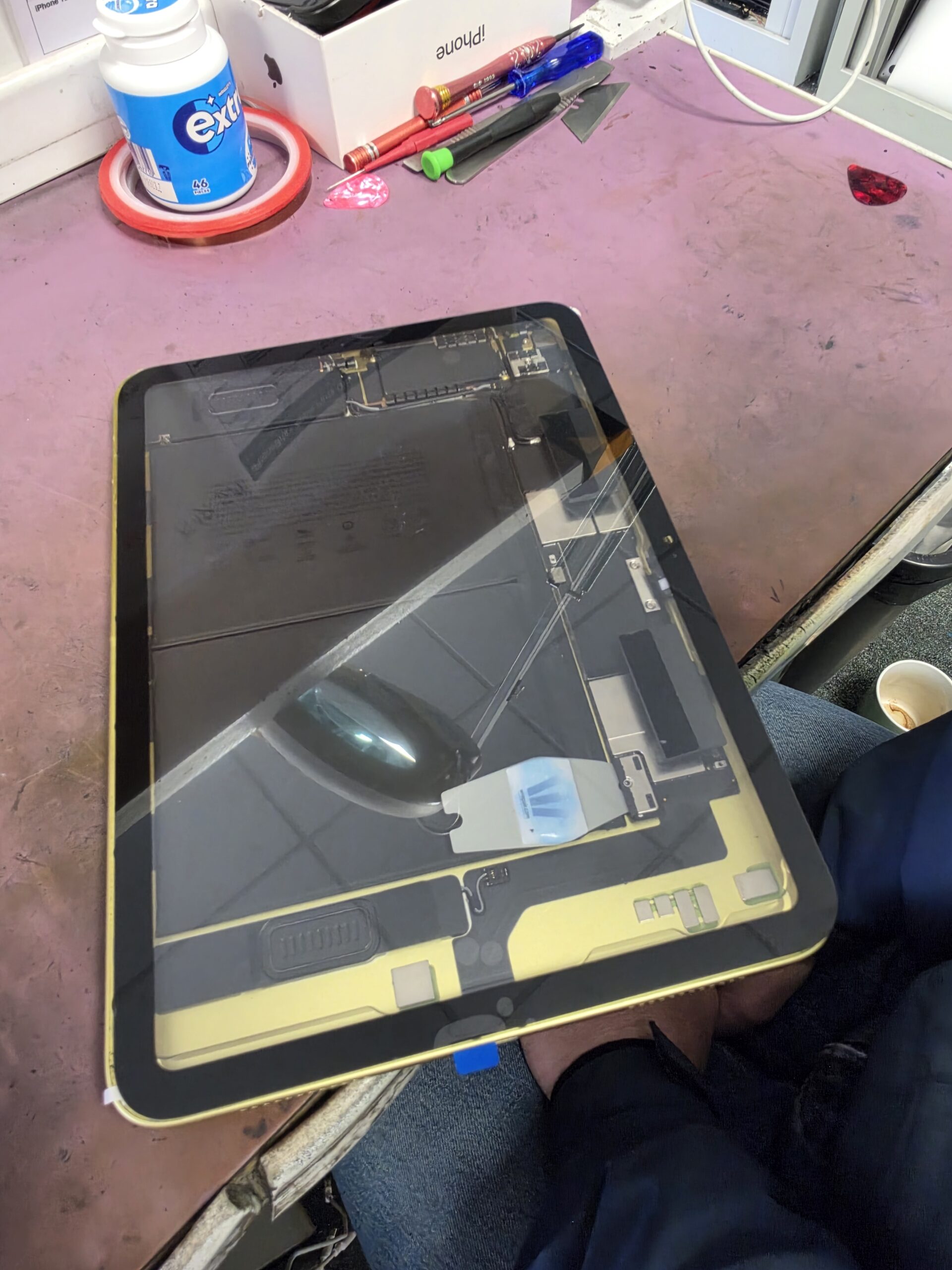
The Control Centre photograph below shows the brightness slider at maximum with the display working. The other photographs document the same iPad on our workshop bench, including the internal layout and connector area.
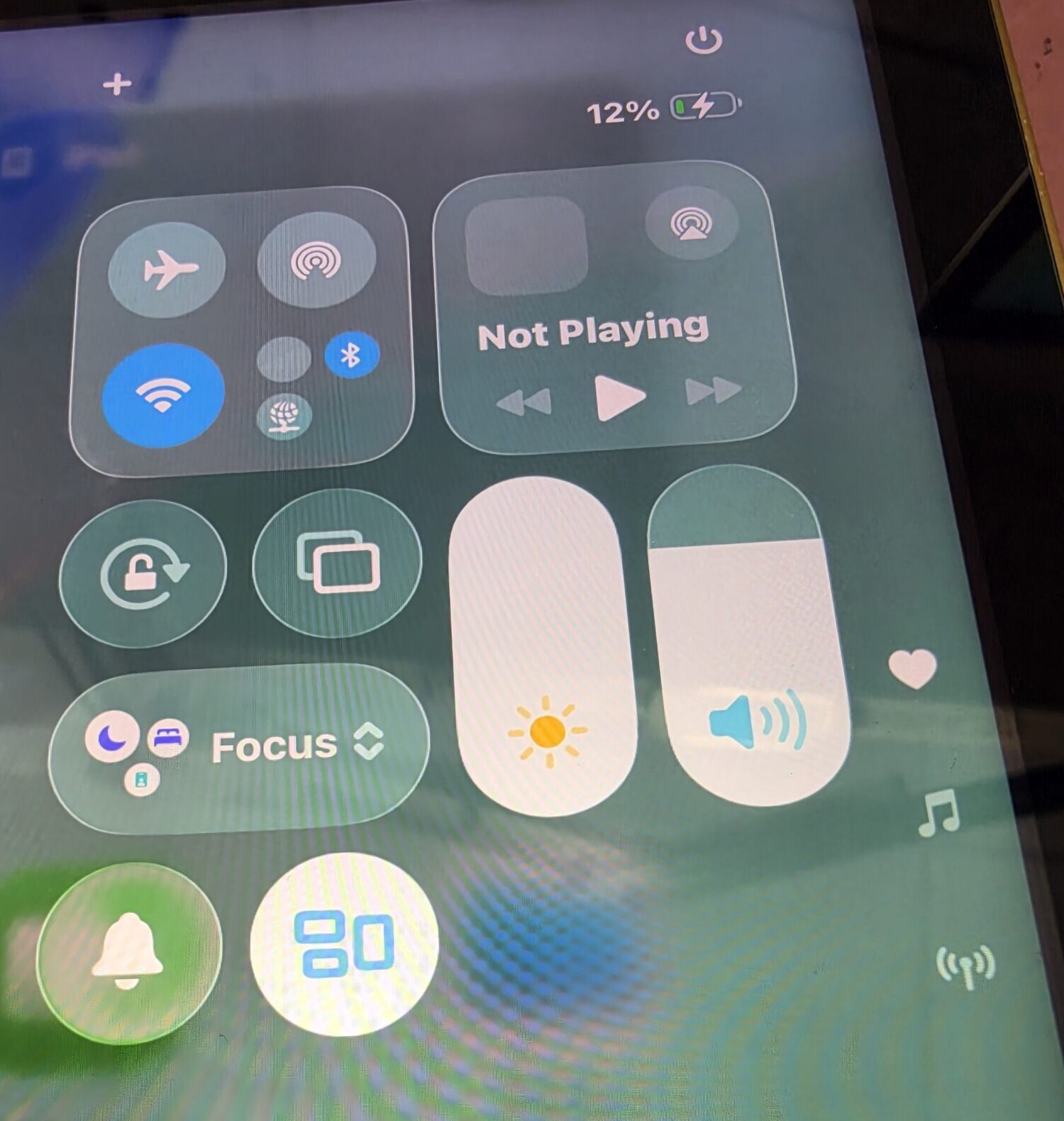
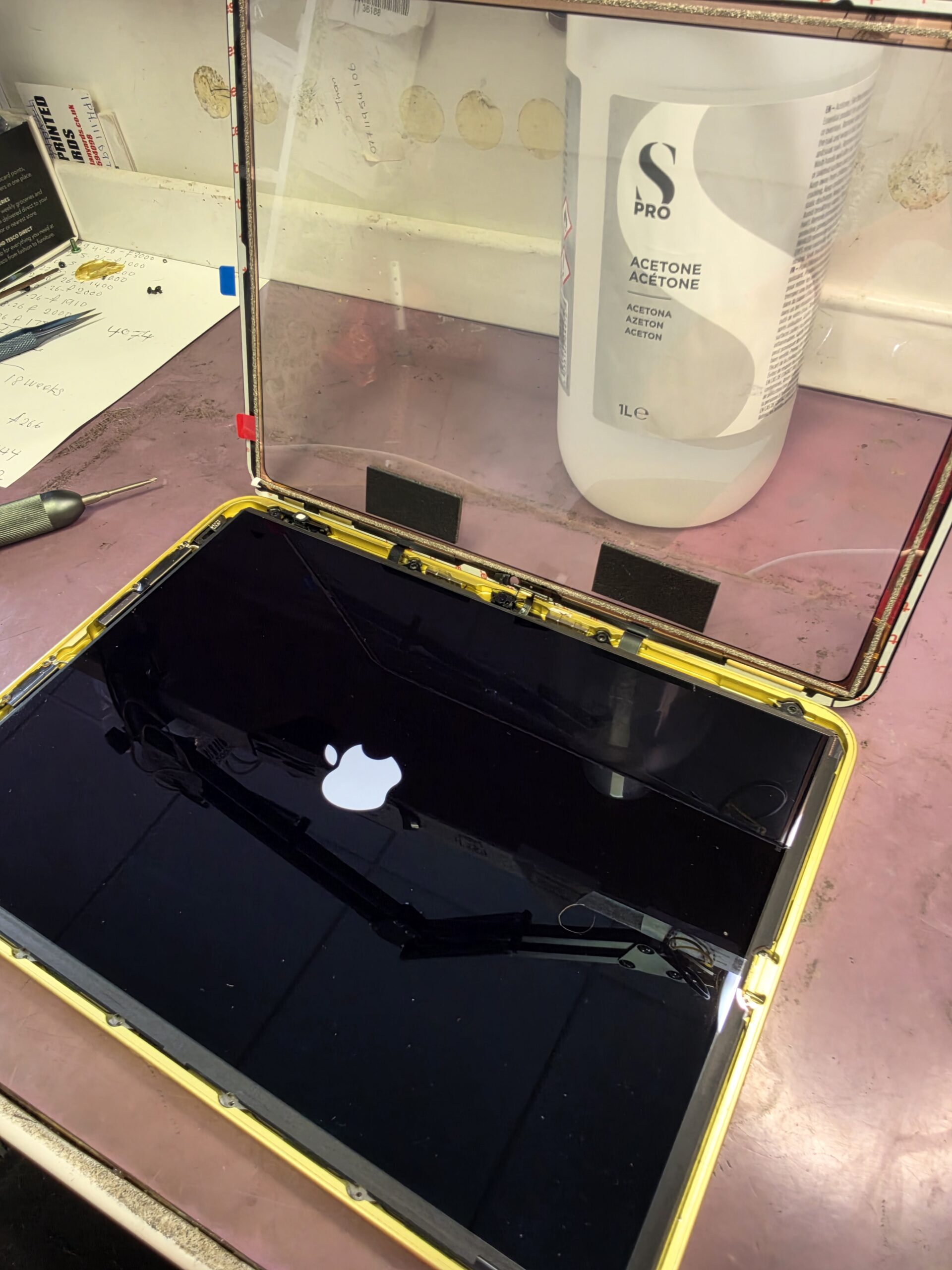
More photos from inside this iPad
If you are looking for a clear view inside an iPad 10th generation, these extra workshop angles show the board, shielding, cables and surrounding housing. We have kept the internal photographs uncropped to preserve useful context. Select any photo to open a larger version in a new tab.
Similar symptoms still need proper diagnosis
If your iPad screen goes dark when brightness is increased, it is worth having it assessed. The filter was the confirmed fault on this iPad; the same symptom on another device does not automatically mean the same component has failed. Proper diagnosis comes before deciding what needs replacing.
Our iPad repair service in Glengormley covers screen and other tablet faults. Let us know the model and what happens when you adjust the brightness, including whether you need to reset it afterwards.
Local iPad board repairs in Glengormley
iPhoneBits is a family-run business in Glengormley, Newtownabbey. Our highly trained team carries out board-level repairs and microsoldering right here in-house. Microsoldering means working on the tiny components and connections on a device’s circuit board, as this repair required.
For customers looking for iPad board repair in Belfast, our Glengormley workshop can assess the fault and explain what we find in plain language. This iPad 10th generation backlight repair is a good example of why checking the board matters before choosing a repair.
Need help with an iPad or board fault?
Having trouble with your iPad, or another device with a suspected board fault? Get in touch with iPhoneBits. Our team carries out diagnosis and board repairs right here in-house.
iPhoneBits, 350 Antrim Road, Glengormley, BT36 5EQ
Call 07731 446515