
A flashing folder. Important documents on the computer. A MacBook Neo that would not start normally after water damage.
This was a recent MacBook water damage repair at iPhoneBits in Glengormley. The customer reported the flashing folder icon and told us that important documents were stored on the machine. We cleaned and treated the MacBook for liquid damage, ran full diagnostic tests and got it working again. The repair took two days.
What the customer reported
The MacBook had suffered water damage and was showing a flashing folder instead of starting normally. With documents on the device, the customer needed help understanding the repair options.
A folder with a flashing question mark means the Mac cannot find an available startup disk containing a working operating system. It signals a startup problem, but does not identify the underlying cause by itself. Apple explains the flashing folder symbol here.
In this case, the water-damage history was an important part of the assessment.
Liquid-damage cleaning and treatment
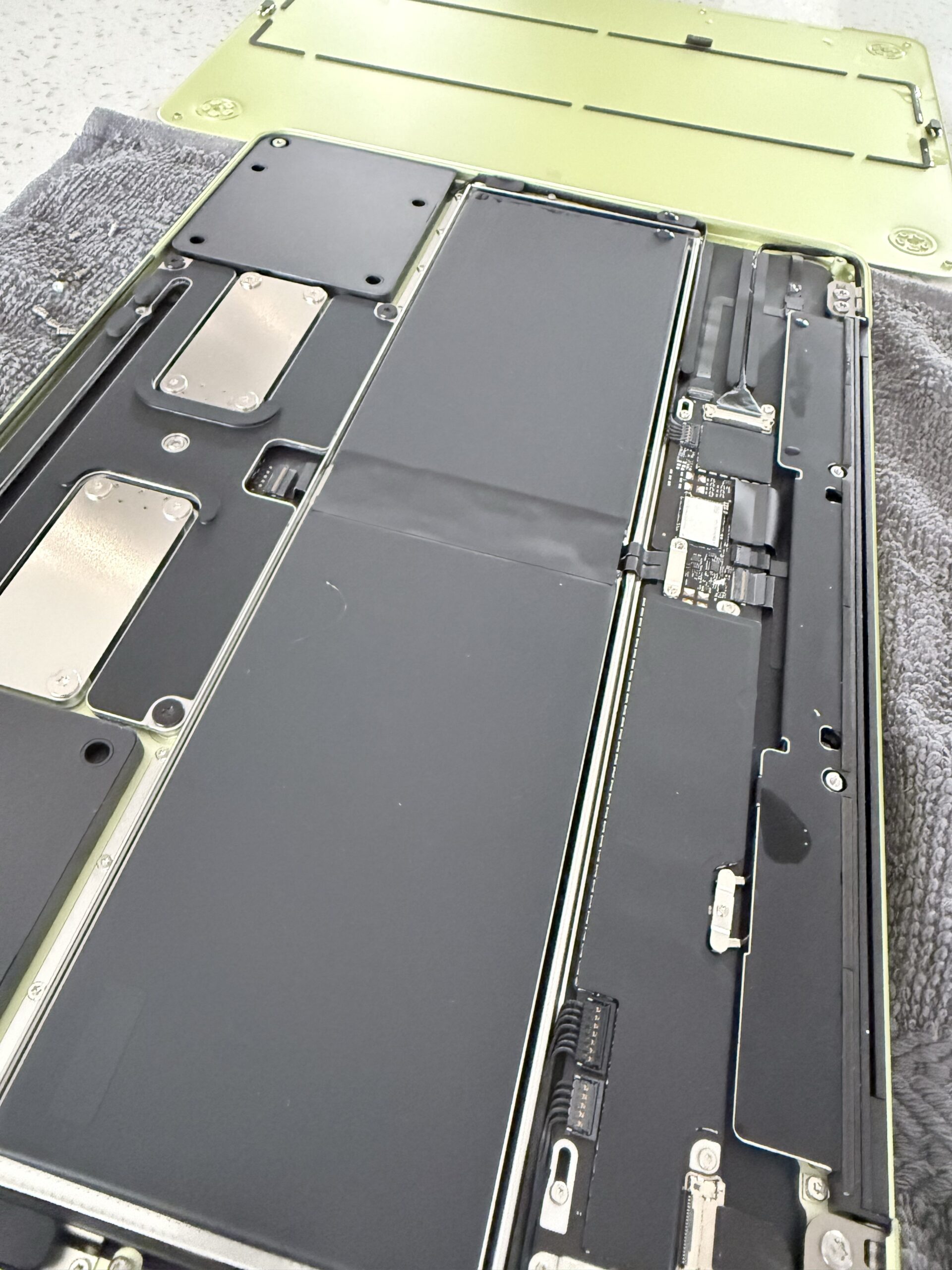
We cleaned the MacBook and treated it for liquid damage, then ran full diagnostic tests to check its operation.
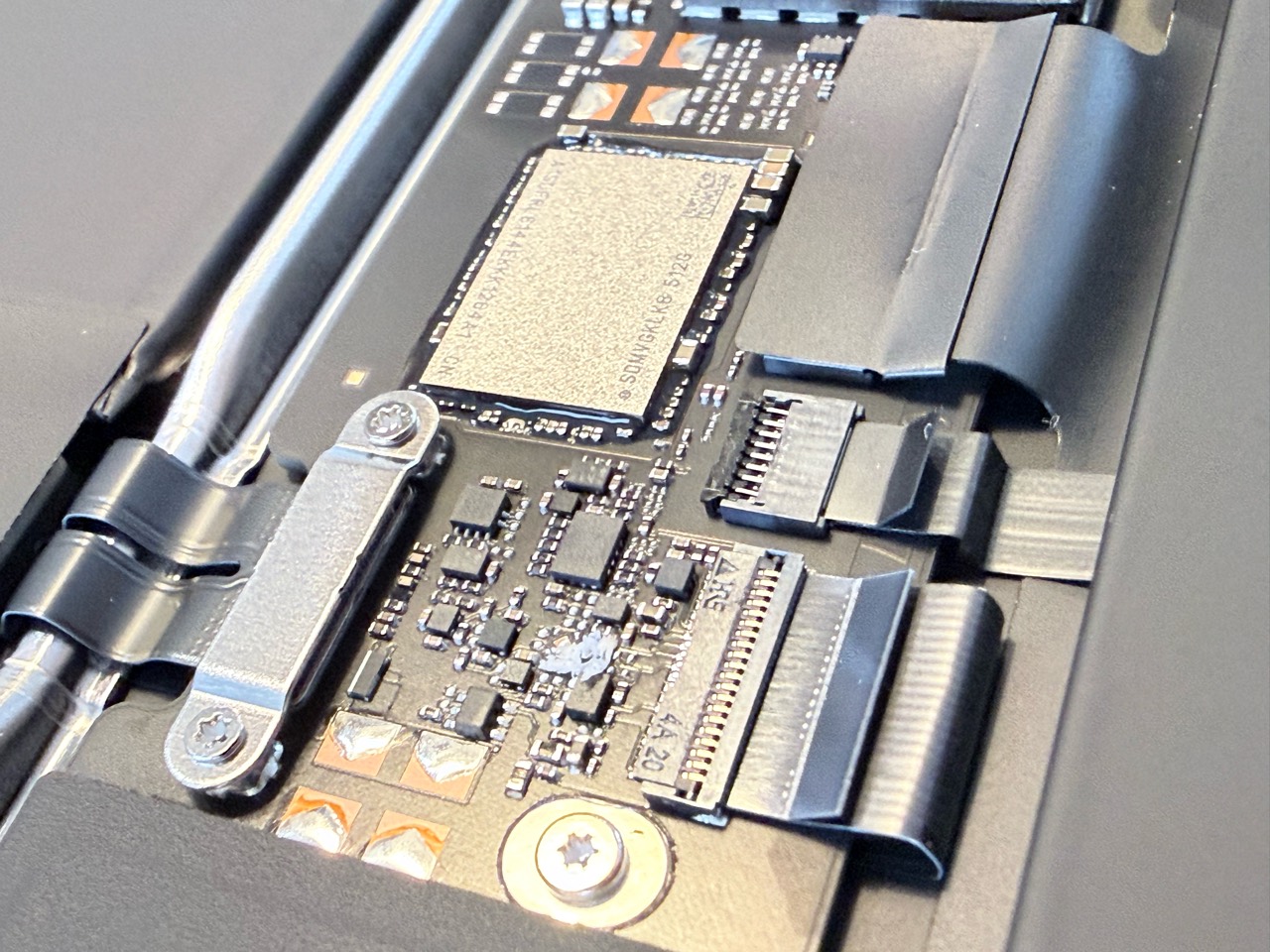
The workshop photographs show the actual machine, including its board and connectors. They document this repair without relying on stock photographs or a recreated fault.
Liquid-damage work depends on the condition of the individual device. Our board repair and data recovery service starts with assessment so we can explain the available options.
Working again after two days
After cleaning, liquid-damage treatment and full diagnostic testing, we had the MacBook Neo working again within two days.
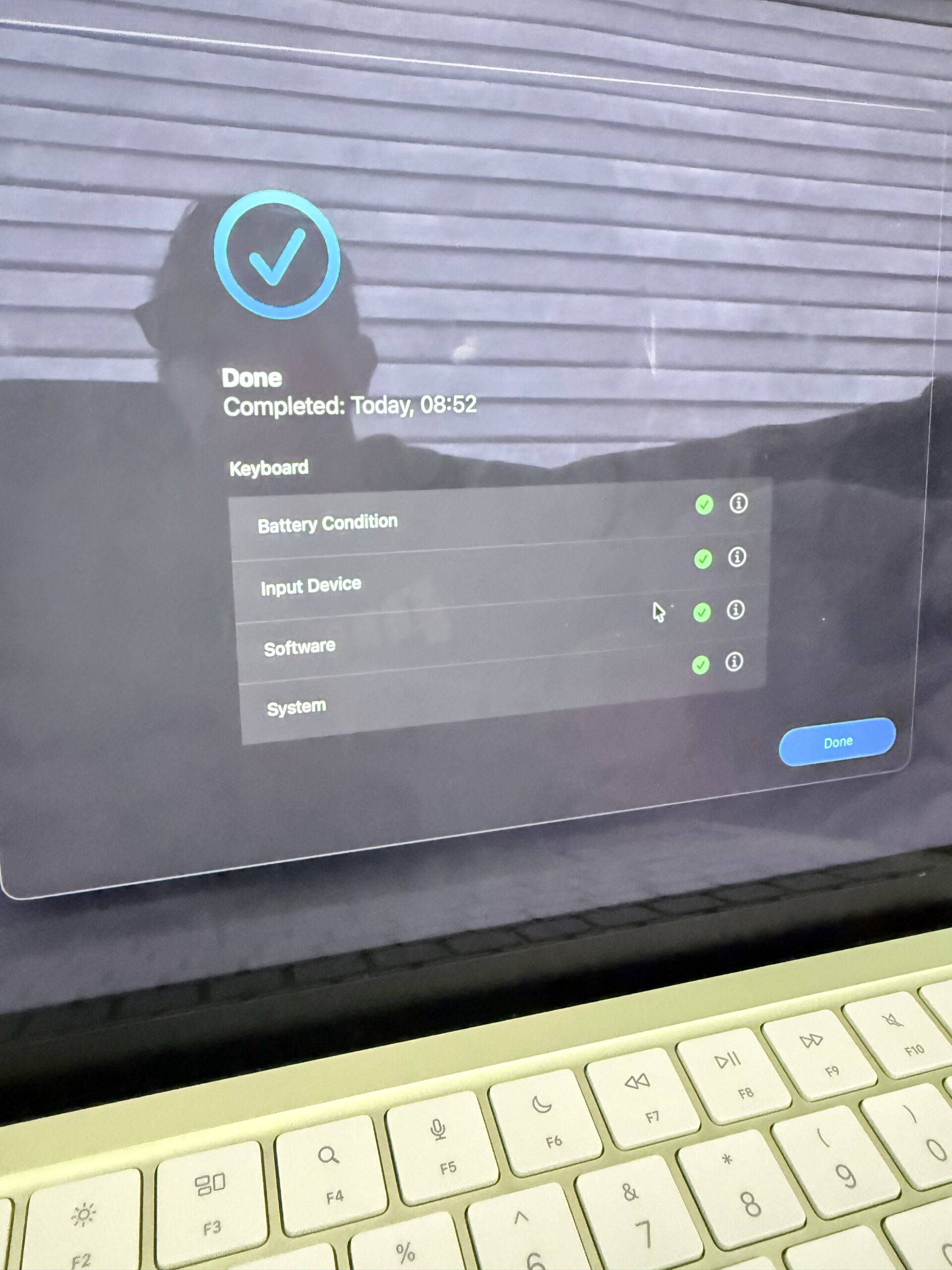
Getting a computer to switch on is one stage of a repair. Checking its functions is another. The photographed keyboard diagnostic result shows green checks for the listed battery condition, input device, software and system categories. A separate workshop photograph also records completed Touch ID checks.
The two-day turnaround applies to this particular repair. Other liquid-damaged MacBooks may need different work or more time for diagnosis, parts and testing. We confirm an expected timeframe after assessment.
Important documents on a Mac that will not start?
Tell us about those files when you first contact us. It helps us understand your priorities before discussing repair options.
Avoid erasing or formatting the storage as a troubleshooting step if you need files that are not backed up. Explain any liquid exposure as well as the message or symbol appearing on screen. Returning a computer to working order and confirming the condition of particular files are separate checks.
MacBook repairs in Glengormley and Newtownabbey
If your MacBook has suffered a spill or will not start, contact iPhoneBits with the model and a description of what happened. Our Glengormley workshop serves customers across Newtownabbey and the surrounding area.
Find out more about our MacBook and laptop repair services, or request a repair quote.
iPhoneBits
350 Antrim Road, Glengormley, Newtownabbey, BT36 5EQ
07731 446515 · Book a repair