
Waiting ages for your laptop to start? Programs taking too long to open, or Windows freezing when you need it? A slow computer does not always need replacing. Sometimes it needs a proper clean-up, a fresh Windows installation or an upgrade from an old hard drive to an SSD.
At iPhoneBits in Glengormley, we help customers across Newtownabbey, Belfast and the surrounding areas get their laptops and PCs working properly again. We are a local family-run repair business, with Windows installations, upgrades and suitable repairs carried out professionally in-house.
WINDOWS • SSD UPGRADES • LOCAL WORKSHOP
We can assess a slow laptop or PC, remove unwanted software and malware, reinstall Windows, fit a compatible SSD or prepare a computer for its next owner. We explain which option suits the machine before going ahead.
Why has my laptop or PC become so slow?
A computer can gradually become harder to use after years of accumulated programs, background tasks and unwanted software. Malware, damaged Windows files and a struggling mechanical hard drive can cause similar symptoms.
- Long waits at startup or after signing in.
- Programs freezing, crashing or taking ages to load.
- Pop-ups, browser redirects or software you do not recognise.
- Windows errors, failed updates or repeated startup problems.
- An older laptop that still uses a mechanical hard drive.
Slow laptop repair starts with finding the cause. A fresh installation can sort out many software problems, but it will not repair a failing drive, overheating or another hardware fault. Our Laptop / MacBook Repair service covers diagnosis as well as repairs and upgrades.
Fresh Windows installations and reinstalls in Newtownabbey
If Windows has become corrupted, unstable or cluttered, starting again can be the most practical option. With your agreement and a plan for any files you need to keep, we can wipe the machine and install a fresh, fully activated copy of Windows using a valid licence.
What does a proper Windows reinstall include?
- Checking the computer, Windows compatibility and licensing.
- Agreeing what needs backed up or transferred before any wipe.
- Removing the old Windows installation, unwanted files and software from the agreed drive.
- Installing the appropriate edition of Windows and checking activation.
- Installing all available applicable Windows updates and the correct drivers for the hardware.
- Checking everyday functions such as Wi-Fi, sound and startup before handover.
The aim is to leave your computer clean, updated and ready to use, with any agreed file restoration or extra software discussed beforehand.
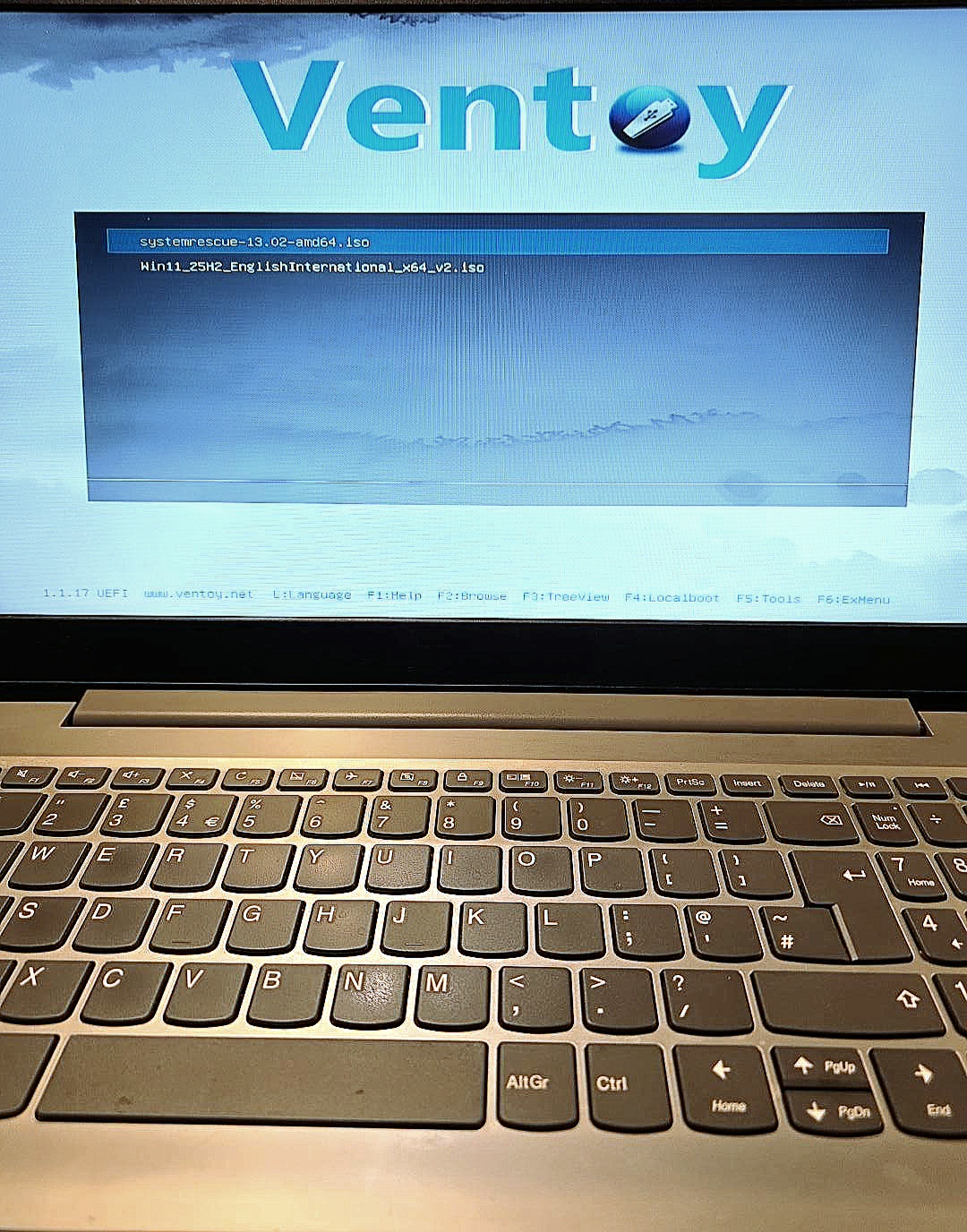
Windows 11 installation and Windows upgrades
If you need Windows 11 installation in Newtownabbey or a Windows upgrade in Glengormley, bring the laptop or PC in and we can check whether it is suitable. Windows 11 has hardware requirements, so not every older computer can be upgraded to a supported installation.
Standard Windows 10 support ended on 14 October 2025. An SSD can make a computer faster, but it does not change its Windows 11 eligibility. We will explain the practical options for your machine. You can also read Microsoft’s Windows 11 requirements and upgrade guidance.
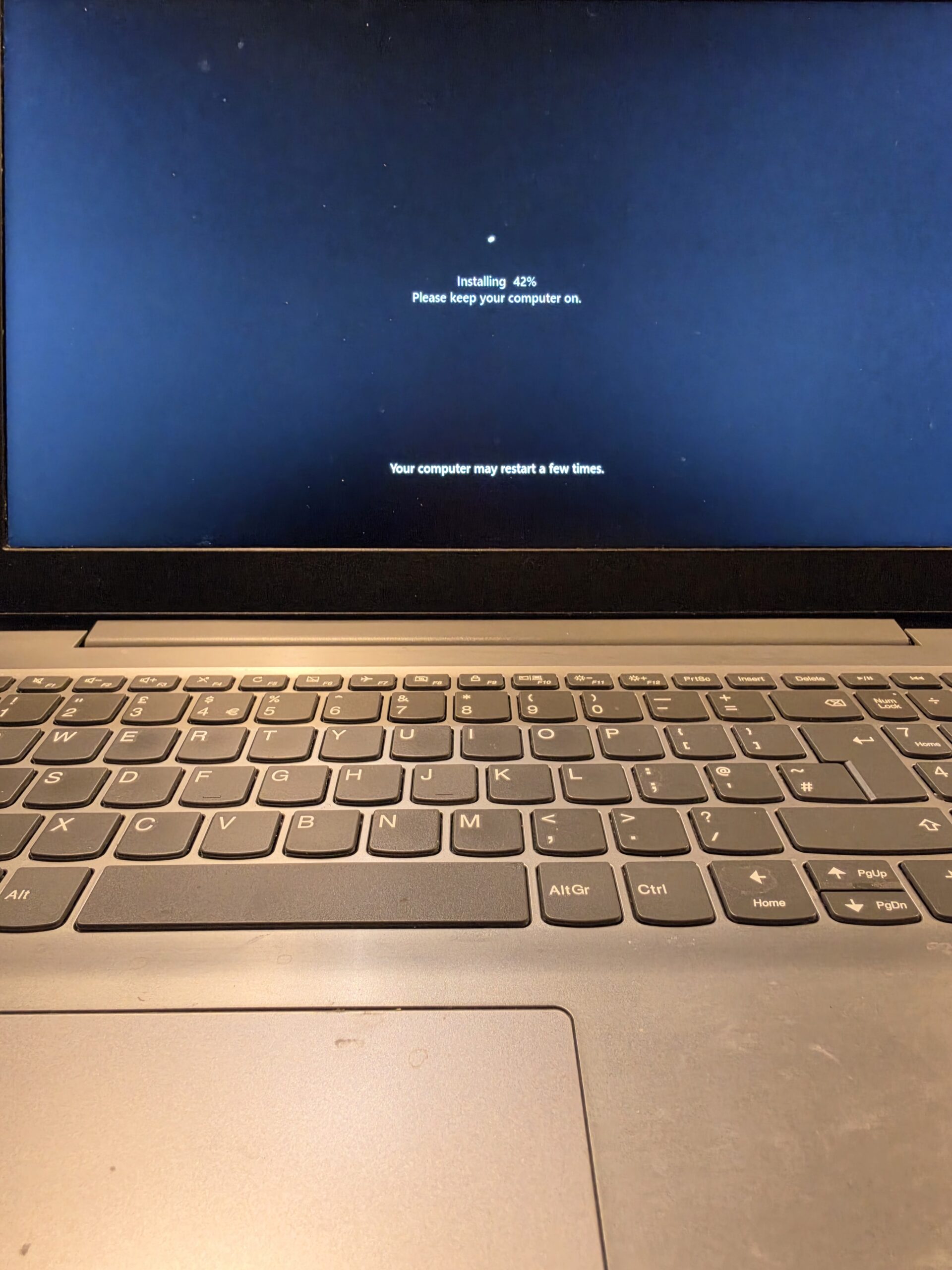
SSD upgrades: one of the best improvements for an older computer
An old mechanical hard drive stores files on spinning discs. An SSD uses electronic storage with no moving parts, so the computer can read the information it needs much more quickly.
Replacing a mechanical drive with a compatible SSD can dramatically improve startup times, program loading and general responsiveness. Everyday jobs such as opening a browser, checking email and switching between programs can feel much quicker.
Can my laptop take an SSD?
Many laptops and desktop PCs can, but the type of SSD and the installation options depend on the model. We check compatibility, the condition of the computer and how much storage you need before recommending a laptop SSD upgrade.
For an SSD upgrade in Newtownabbey, we can discuss a fresh Windows installation or transferring an existing system where appropriate. If the old installation is damaged or full of unwanted software, a clean setup may be the better choice. An SSD will not fix every bottleneck, so we will also consider memory, processor capability and other faults.
Keep the laptop you already know? If the screen, keyboard and rest of the machine are in good condition, an SSD upgrade may be worth considering before replacement. We can help you weigh up the cost, supported Windows options and what you use the computer for.
Virus and malware removal in Glengormley and Newtownabbey
A laptop that seems slow may be busy running unwanted programs or malware in the background. Browser extensions, advertising software and years of unnecessary startup programs can also get in the way.
We offer virus and malware removal for local laptop and PC users, along with checks for damaged Windows files and unwanted software. Depending on what we find, a targeted clean-up may be enough, or we may recommend wiping and reinstalling Windows for a clean start.
If you are looking for virus removal in Newtownabbey or Glengormley, tell us about any pop-ups, unexpected messages or changes you have noticed. If accounts may have been compromised, removing malware alone will not secure those accounts; we can explain the next steps.
Preparing a laptop or PC for a new owner
Selling a computer or passing a laptop to a family member? Simply deleting a few folders or removing desktop icons is not a proper handover.
We can securely remove the previous owner’s files and accounts from the machine, reinstall Windows and set it up cleanly for the next person. We choose a suitable erasure method for the storage fitted and check which drives need clearing. A routine Windows reinstall is not, by itself, the same as secure data erasure.
Before we begin, tell us what you want to keep and make sure important photos, documents and other files are backed up. We can discuss backup or transfer options first. The new owner can then use their own account rather than inheriting your files, saved sign-ins and old software.
Windows activation, updates and drivers
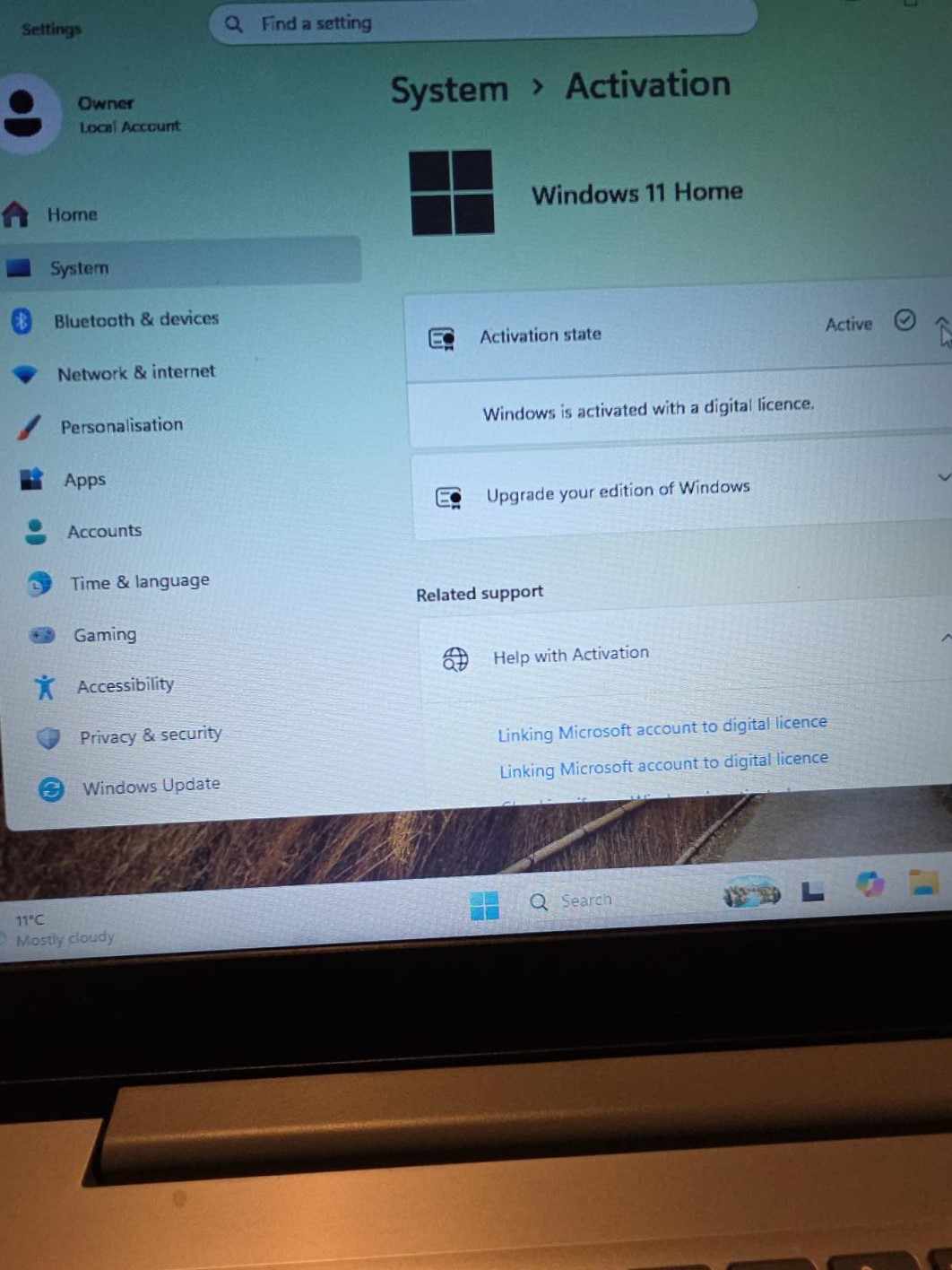
We check that Windows is properly activated after reinstalling. Many machines with an existing legitimate digital Windows licence reactivate automatically when the same edition is reinstalled on the same device and connected to the internet.
The edition matters: a Home licence does not automatically activate Pro. Hardware changes or a missing valid licence can require extra steps or a new licence, which we discuss before proceeding. Microsoft’s activation guidance explains how digital licences work.
We also install all available applicable Windows updates and suitable drivers, rather than stopping as soon as the desktop appears. Drivers help Windows work correctly with the laptop’s Wi-Fi, graphics, sound and other hardware.
Frequently asked questions
Will a fresh Windows install make my laptop faster?
It can, especially if unwanted programs, malware or damaged Windows files are causing the slowdown. If the main problem is an old mechanical hard drive, an SSD upgrade may make a much bigger difference. We check the machine first.
Will I lose my files?
A wipe and clean installation removes files, apps and settings from the drive being erased. Tell us what you need to keep before work starts. Back up important files first, or ask us about an agreed backup or transfer. Paid software may need its own licence and reinstalling.
Can you upgrade my laptop to an SSD?
We can upgrade many laptops and desktop PCs to an SSD. We need to check your model, storage connection and capacity requirements first, as some machines have storage that cannot be replaced.
Can you prepare a laptop for a new owner?
Yes. We can agree the secure removal of the previous owner’s data and accounts, reinstall Windows and prepare a clean setup for the next person. Let us know that the machine is being sold or given away when you bring it in.
Can you remove viruses and malware?
Yes. We assess the problem and can remove malware and unwanted software. Where a clean-up is not the best option, we can discuss a fresh Windows installation and how to handle the files you need to keep.
Will Windows be activated after reinstalling?
We check activation as part of the service. An existing legitimate digital licence will often reactivate the same Windows edition automatically on the same machine. If a new licence is needed, we explain that first.
Do you install Windows updates and drivers?
Yes. We install all available applicable Windows updates and the correct available drivers during setup, then check the computer before handover. Windows will continue to receive further updates as Microsoft releases them while the installed version remains supported.
Is it worth upgrading an older laptop instead of replacing it?
Often, if it is otherwise in good condition and suitable for your needs. We consider the upgrade cost, hardware condition, performance and supported operating system options. We will tell you if spending more on it is unlikely to make sense.
Local laptop and computer repair near Belfast
Our Glengormley workshop welcomes customers looking for laptop repair and computer repair in Newtownabbey, as well as PC repair and laptop upgrades near Belfast. You can speak to us about the symptoms without needing to know whether the answer is a repair, Windows reinstall, SSD upgrade or a clean-up.
See our Laptop / MacBook Repair page for wider repair options, or our Other Electronic Repairs page for other devices we work on. For a real example of hardware diagnosis, read about a dead PC repaired in our Newtownabbey workshop.
Bring your slow laptop or PC into iPhoneBits
Let our local family-run team take a look and explain the most sensible next step. We help customers from Glengormley, Newtownabbey, Belfast and surrounding areas with Windows reinstalls, SSD upgrades, malware removal and everyday computer repairs.
iPhoneBits
350 Antrim Road
Glengormley
BT36 5EQ
Bring your laptop or PC in, or contact us first if you are unsure what it needs. Tell us about any files you want to keep before we start.
Contact iPhoneBits about your computer